Gaming Fans
What is a good gaming PC fan?
A gaming fan isn't just a simple, noisy spinning thing. It's your high-tech bodyguard, your silent hero that keeps your PC cool even during the most intense sessions. Imagine an elite soldier protecting your processor as if it were the last motherboard on Earth.
How to choose your PC fan?
The criteria to consider are crucial:
- Airflow (in m³/h)
- Noise level (in decibels)
- Size (120mm, 140mm, 200mm)
- Bearing type (fluid dynamic, air)
- RGB lighting
- Compatibility with your setup
The best PC fan brands
Some names that shake up the competition:
- Noctua: The king of silence
- Corsair: Design and performance
- be quiet!: German technology
- Arctic: Value for money
- NZXT: Gaming aesthetics
- Cooler Master: Historical references
Types of cooling for gamers
Several solutions are available to you:
- Air coolers: Classic and efficient
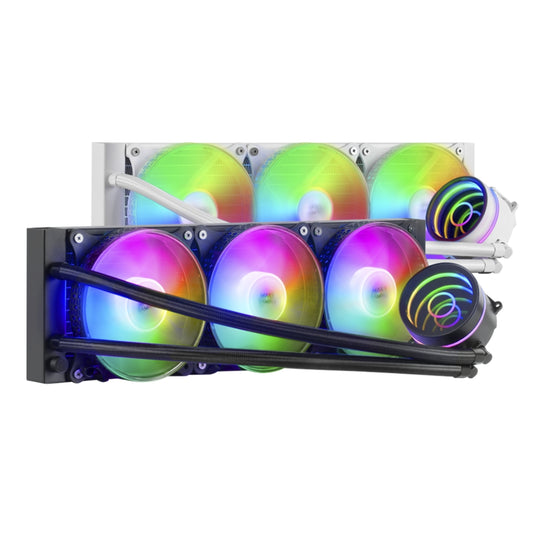
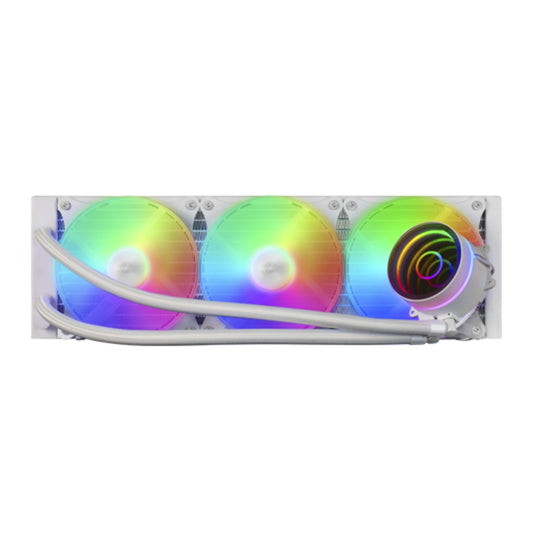
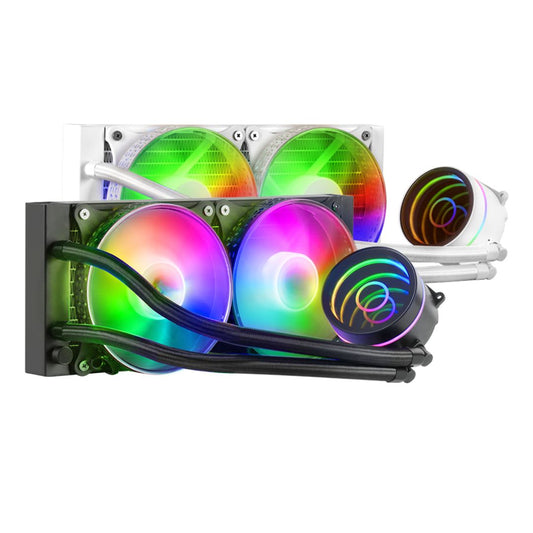
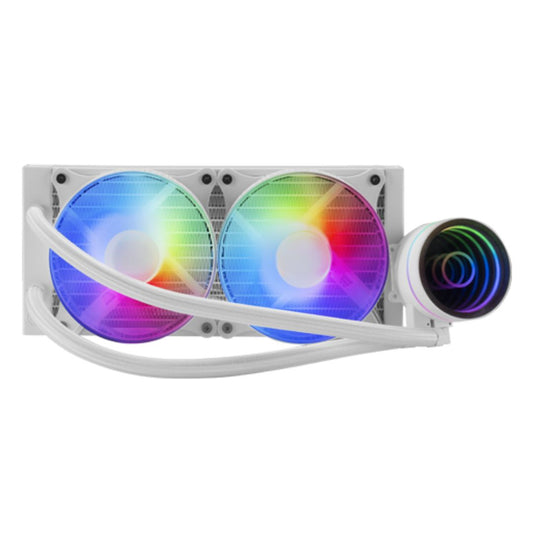
- Watercooling: For hardcore setups
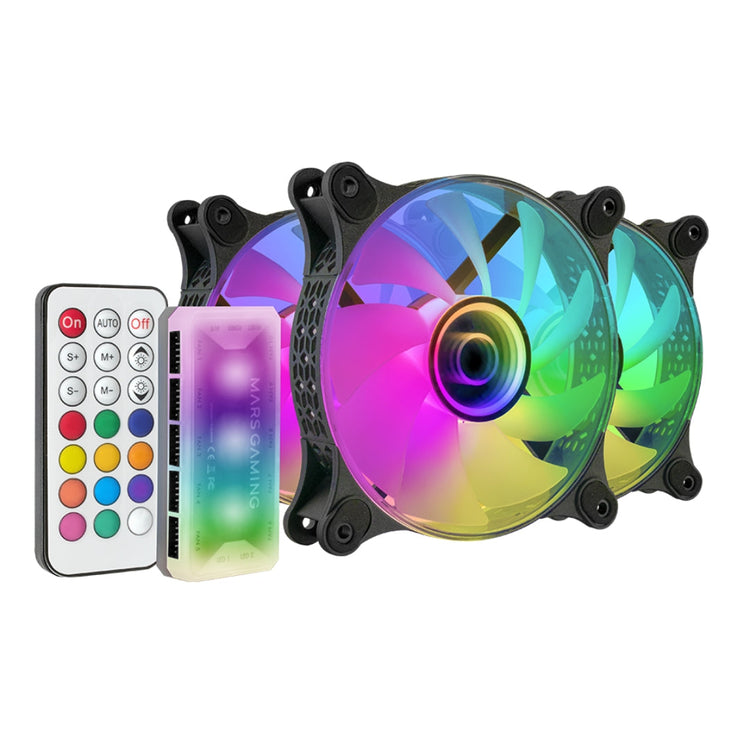
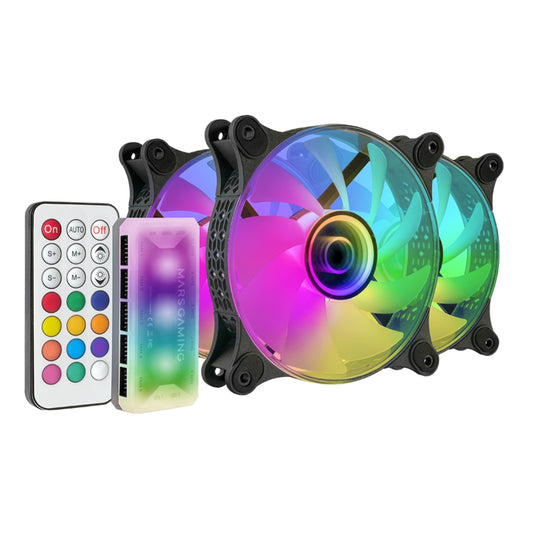
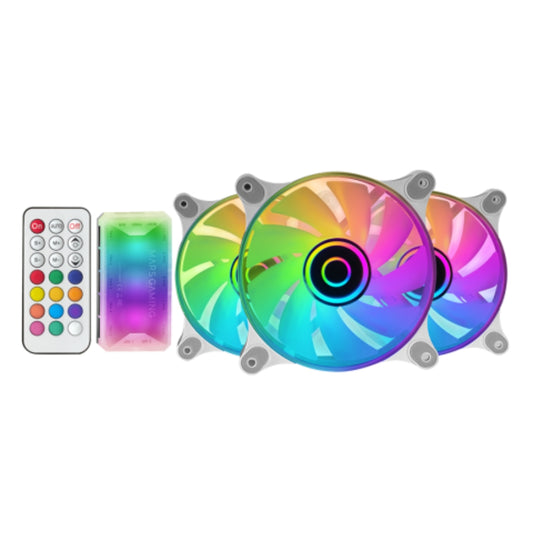
- RGB fans: For an insane look
- PWM fans: Intelligent speed control
- High static pressure fans: For tight builds
The revolution of gaming cooling
New technologies that change everything:
- Smart control via applications
- Automatic temperature detection
- Customizable performance modes
- Interconnection with motherboard systems
- Synchronizable lighting
RGB fans: More than just cooling
RGB fans are:
- A unique style for your setup
- Total customization
- Synchronizable lighting effects
- A decorative element in its own right
- A gamer identity marker
Budget and investment: How much to spend?
Price range for PC fans:
- Entry-level: €10-30
- Mid-range: €40-80
- High-end: €100-200
- Premium fans: €200 and up
Installation and maintenance: My professional tips
To keep your fans in top shape:
- Clean the blades regularly
- Check for proper tightening
- Lubricate the bearings if necessary
- Manage cabling well
- Update firmware
The importance of cooling in gaming
Why a good gaming fan is crucial:
- Maintain stable performance
- Prevent overheating
- Extend the life of your components
- Reduce noise
- Optimize overclocking
You're not just looking for a new PC fan. You're looking for a digital war ally, a silent protector that will allow you to push your limits without fear of overheating.
Our selection has been put together by passionate gamers who know the importance of every degree. Each fan has been tested, proven, and challenged to guarantee you the best thermal protection.
Don't let your PC melt during your games. Equip yourself now and transform your tower into a thermally invincible war machine!
PC cooling doesn't wait. It optimizes now!
Discover our collection of gaming headset stands to keep your headphones within reach without cluttering your gaming desk.