
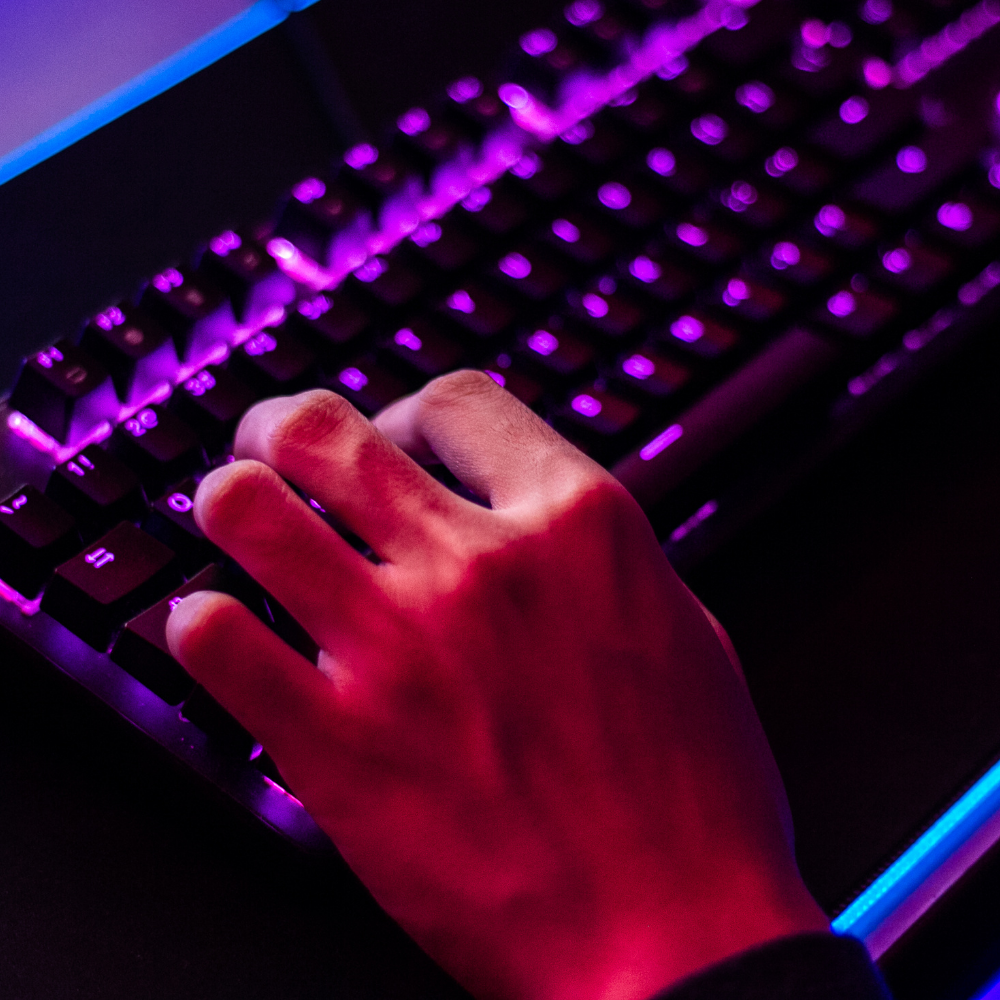
What is a Mechanical Keyboard?

A mechanical keyboard is a keyboard built with high-quality keys, usually spring-activated. These switches vary depending on the keyboard's application or user preferences.
While some early mass-market keyboards, such as the IBM Model M in the 1980s, used mechanical switches, the 1990s saw a wave of cheap rubber-dome keyboards flood the keyboard market.
Rubber membrane keyboards account for over 90% of keyboards used today and offer an inexpensive but unsatisfying typing feel and experience.

Mechanical keyboards raise the bar in every respect. The switches, framing, functionality, character printing methods, keycap construction, PCB, LED lighting (sharpness, brightness, adjustability), and a host of other features of a mechanical keyboard are far superior to those of traditional rubber dome keyboards.
Most of these improvements boil down to one thing: feel. Mechanical keyboards simply feel better than rubber dome keyboards.

How to choose a mechanical keyboard?
No one has exactly the same criteria, but these consistently come up in reviews and discussions.
Clicky or silent, tactile or linear?
The switch you choose is probably the most important decision you'll make. A clicky keyboard is fun but can get noisy. A crisp-key keyboard sounds great, but if it's too stiff for your fingers, you might have wished you had chosen a lighter keyboard.
There's no perfect switch for everyone. And it's always fun to try new ones!

Build quality
Some people associate weight and plastic thickness with durability. Details like keyboard feet that don't easily collapse or slide, cable thickness, and plastic finish are other indicators.
This is one of those things you can't see in photos and for which you have to rely on others' feedback. Don't be scared off by a bad review!

Keyboard keys
Since this is where "the rubber meets the road," you want durable keys where the lettering doesn't wear off. This is often a complex trade-off between appearance, durability, and cost.
Alas, all keyboard keys eventually wear and shine (though you probably won't care if it takes decades of heavy use, which it does for some materials).

N-key rollover or Anti-Ghosting - Any keyboard can recognize 2 to 8 keys at once. This is good for general typing.
However, most PC keyboards fail with certain 3-key combinations, and this becomes important for gamers (the keyboard is called 2KRO because only 2 keys are guaranteed to be recognized at once). If a keyboard is 6KRO (6 keys guaranteed) and not NKRO (all keys on the keyboard can be pressed simultaneously), you shouldn't worry too much since you only have 5 fingers per hand!

Keyboard aesthetics
It's your choice. Everyone likes something different. Take time to consider if you're the type of person who likes to keep a keyboard clean. If you're a clean freak, glossy keyboards will keep you busy with polishing cloths. The color black likes to show dust and key shine.

Why are mechanical keyboards better?
Most common PC keyboards use cheap rubber dome switches, unlike mechanical keyboards which use high-quality mechanical switches.
Mechanical switches can vary greatly, but most of them contain individual springs and are always of higher quality than rubber membrane switches.

The keyboard frame, key rollover (the number of keys you can press at once without the computer failing to register the press), printing, engraving, keycap plastic, PCB, LED lighting (sharpness and brightness), and a host of other features are also generally far superior on modern mechanical keyboards.
The main takeaway is that mechanical PC keyboards are simply more enjoyable to use and will make you more efficient as a gamer or typist.

Are mechanical keyboards more expensive?
Yes, all keyboards, regardless of their build quality or switch type, fulfill the same obvious function. So, if the output functionality is identical, is it worth paying up to five times more for a new mechanical keyboard?

How many times do you type on your keyboard a day?
Stop and think about how much time you actually spend sitting (or standing) and typing on your keyboard. Chances are, it's a significant number of hours. Would you want to spend such a large part of your life interacting with an inferior product?
For the price of a good dinner out, you can buy an extraordinary PC accessory that you will use almost every day of your life.

How much did your PC cost?
It's ironic how many people suffer typing on a free or almost free membrane keyboard plugged into a computer costing over 1,000 euros.
Your keyboard and mouse are the "tires" of your computer. They connect the computer to the user just like tires connect a car to the road. Using a membrane keyboard on a beautiful machine is like putting low-end tires on your new Porsche. It's not very serious!
Mechanical keyboards are one of the best investments to equip your gaming setup or daily work desk. Opt for a new mechanical keyboard! Your fingers will thank you.

How to choose mechanical keyboard switches?
Many people look for advice on mechanical switches without knowing exactly what they're looking for, but only with an idea of their needs.
Fortunately, this is not always a problem, as most mechanical switches will still feel better to use than rubber domes.
However, the final choice is very important because a keyboard switch is not just a simple switch; it is the basis of what gives your keyboard its feel. Your personal sensations may love or hate a certain type of mechanical keyboard for daily use.

If you don't like the keyboard switch when you type on it, it's very likely you'll never like the keyboard.
Switches are usually rated by force, using the measurement of weight in grams (g).
For example, an average rubber dome keyboard requires between 55g and 60g of force to actuate.

Black switches are linear (non-tactile) switches
Considered one of the best types of switches for PC gaming. In PC games, tactile keys are of no use, as you'll bottom out anyway.
These black switches therefore offer a very smooth feel. The actuation and release points are in exactly the same position.

Thus, games that require a lot of double-tapping are easier to play than with any other key.
However, most people don't enjoy typing on these keys as much, partly because of their linear nature.
If you tend to mistype occasionally when playing, these switches will be helpful as the high actuation force will help you avoid accidental presses.

Brown switches are considered a middle-ground solution
The brown switch sits between a typist's switch and a gaming switch. They have a slight tactile feel halfway through the key press that tells you the switch has actuated.
This gives you an indication of how you can release the switch. This switch is considered a middle-ground solution because the reset point and actuation point are close enough that you can "float" at that level, allowing you to double-tap the key faster.
This brown switch has a peak force of 55G, but 45G at the actuation point. This is due to the design of the switch itself.

Red switches are another switch that can be considered a gaming switch
They are essentially a lighter version of the black switch, requiring less force to actuate.
Some people don't find this switch very suitable for typing or gaming due to its lightness, but others enjoy it immensely. Light or stiff, it's always a matter of preference.
This switch is the most requested by mechanical keyboard fans, leading to a higher cost for board manufacturers. PC keyboards equipped with this switch are becoming more common, but they are also generally more expensive.

Blue switches are best for typing
The tactile bump is easily noticeable, and the resistance is similar to that of a classic keyboard.
While many people find them perfect for gaming, some dislike that the reset point is above the actuation point.
This can cause problems with double-tapping. This is usually the case for people who have used other mechanical switches before.
This switch actually has a peak force of 60g, but 50g at the actuation point.

White switches have often been described as stiff browns
Although some users note that they have a more pronounced tactile feel than browns. This is truly a subjective matter, but it's another switch that could be considered "balanced."
The required force is comparable to most rubber dome keyboards, with a pleasant tactile feedback to indicate that the key has been actuated. These white switches are the hardest to find on keyboards.
This switch actually has a peak force of 65g, but 55g at the actuation point.

Plate-mount or PCB-mount?
Mechanical switches are mounted on keyboards using two common methods: plate-mount and printed circuit board (PCB)-mount.

1. Plate-mount
- The switch is mounted on a metal plate, underneath which is the PCB.
- The switch does not have additional guide pins because the plate secures and aligns the switches.
- The plate offers a more robust keyboard but increases production costs.

2. PCB Mounted
- The switch is mounted directly to the PCB.
- The switch has extra guiding pins to help align the switch to the PCB.
- PCB mounted keyboards are cheaper to produce, but are not as robust as plate-mounted keyboards.

The most common method of attaching switches to a mechanical keyboard is plate mounting.
This method involves the switch housing clipping into a metal or plastic plate, which provides a very secure attachment, and then the switch is soldered to the PCB underneath the plate.

PCB mounted switches have a different molded casing with two pins that allow them to pass through the PCB before being soldered; these pins contribute to stability when the switch is mounted directly to the PCB.

The two switch mounting types are virtually identical except for the two pins molded into the PCB-mounted housing.
It's worth noting that it's easy to modify a PCB-mounted switch to fit a plate-mounted keyboard by cleanly removing these lugs using pliers or a sharp razor blade.

However, it is not possible to install a plate-mounted switch on a PCB-mounted keyboard, as these pins are missing and are an integral part of the PCB mounting.

We have reviewed the differences between plate-mounted and PCB-mounted switches. They are primarily distinguished by the number of pins on the underside of the switch, whether they are 5-pin or 3-pin.

The number of pins doesn't make a big difference, however, as you can simply snip off the extra plastic pins if your PCB only supports the 3-pin mounting style.
Which mechanical keyboard should you choose?
While choosing a mechanical keyboard should be fairly straightforward after going through this explanation, building a custom mechanical keyboard is a whole different ball game. You should only opt for a custom mechanical keyboard if you want a highly personalized keyboard and have the time and budget to do so.
Custom mechanical keyboards allow you to choose every component of your build. You need to source all components, from the chassis to the switches to the PCB. There's also a significant amount of assembly required. However, all of this requires some technical know-how, and assembly errors can drive up costs.
Ultimately, it all depends on what you expect from your keyboard. Branded mechanical keyboards are sufficient to meet the needs of most people. Custom mechanical keyboards are for power users and use cases that don't fit conventions, so you can make your choice accordingly.
