
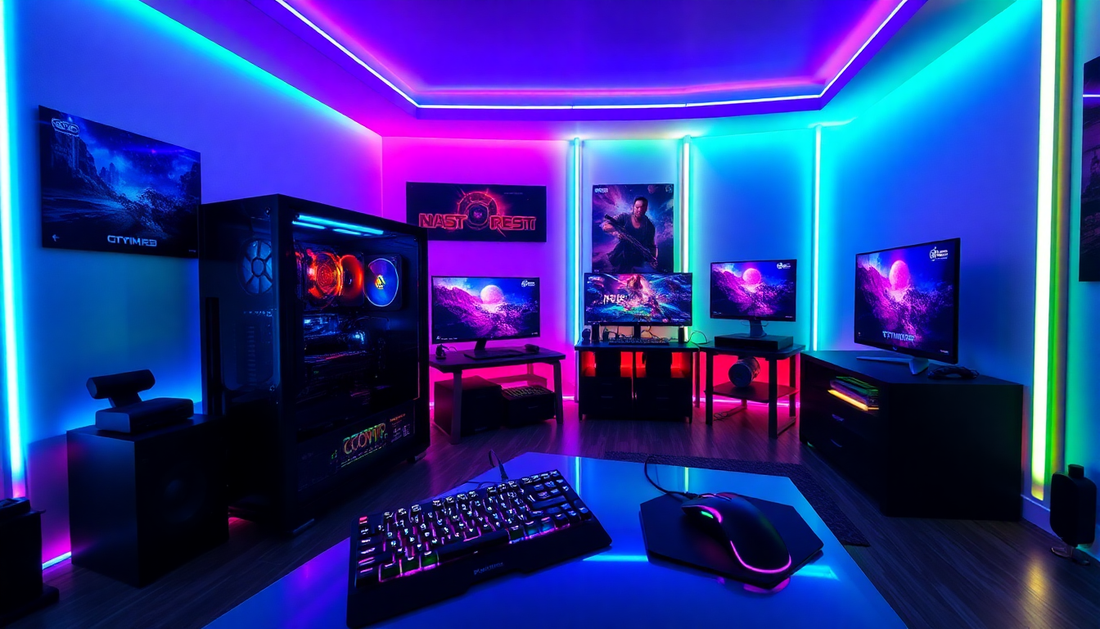
How to Choose Your Perfect Gaming PC?
The world of video games is constantly evolving, and for enthusiasts, choosing the right gaming PC is essential. Whether you're a casual player or a seasoned streamer, your gaming experience largely depends on the quality of your equipment. That's why at Gameplicity, we guide you in selecting the ideal gaming PC to meet all your needs.
The Importance of Choosing a Gaming PC
Playing on a gaming PC designed specifically for gaming offers an immersive and fluid experience. Whether you want to dive into stunning virtual worlds, take on online challenges, or share your games live, your equipment must be up to par. A high-performance gaming PC will allow you to fully enjoy the latest technological advancements, stunning graphics, and unwavering responsiveness.
For streamers, choosing the right equipment is even more crucial. Your audience expects high-quality streaming, without lag or slowdowns. With the right gaming PC, you can focus on your content and provide an unforgettable viewing experience for your subscribers.

Essential Criteria for Choosing a Gaming PC
When it comes to selecting your future gaming PC, several key elements come into play. Let's start with performance, a fundamental element for fully enjoying your favorite games.
Performance
The heart of a perfect gaming PC lies in its processor (CPU) and graphics card (GPU). Opt for recent and powerful models, such as the latest generations of Intel Core i7/i9 or AMD Ryzen. As for the graphics card, NVIDIA GeForce RTX and AMD Radeon RX are safe bets for a stunning gaming experience.
Portability
If you're a nomadic gamer or a streamer on the go, the portability of your gaming PC becomes an essential criterion. Gaming laptops offer the advantage of mobility while maintaining high-level performance. Choose a model with a quality screen, a comfortable keyboard, and sufficient battery life for your gaming sessions.
Budget
Of course, budget is a decisive factor in your choice. At Gameplicity, we offer a wide collection of gaming PCs, from entry-level models to high-end configurations. Define your budget and let us guide you to the perfect solution for you.

Key Components of a Gaming PC
Let's now look at the essential elements that make a difference in a high-performance gaming PC.
Processor (CPU)
The processor is the heart of your machine. Opt for recent Intel or AMD models, offering a high number of cores and threads for optimal computing power.
Graphics Card (GPU)
The graphics card is the sinews of war for gaming. Choose NVIDIA GeForce RTX or AMD Radeon RX models, capable of rendering stunning graphics and impeccable fluidity.
RAM Memory
A generous amount of RAM, ideally 16 GB or more, will allow your gaming PC to effortlessly handle the most resource-intensive games.
Storage
Prioritize a combination of an ultra-fast SSD for the operating system and applications, complemented by a traditional hard drive for storing your files and game libraries.

Gaming Laptops vs. Desktop PCs for Gaming
The choice between a gaming laptop and a fixed gaming PC depends on your needs and preferences.
Advantages and Disadvantages of Gaming Laptops
Gaming laptops offer the advantage of mobility, ideal for nomadic gamers or streamers on the go. However, they can be more expensive and their scalability is generally more limited than desktop gaming PCs.

Considerations for Desktop PCs
Desktop gaming PCs allow greater flexibility in terms of customization and evolution. You can easily update components over time to keep up with the latest technological advancements. Their price is generally more affordable, but they are less portable.
Popular Brands and Models
Among the most renowned brands in the gaming PC world, we notably find ASUS ROG, which offers high-end gaming PC configurations combining performance and sleek design. Other manufacturers such as Acer, MSI, Lenovo, and HP also offer quality gaming models.
Essential Peripherals for a Complete Gaming Experience
Beyond the PC itself, peripheral equipment plays an essential role in an optimal gaming experience.
Gaming Mice and Keyboards
Opt for gaming mouse and keyboard models with high-precision sensors, programmable buttons, and RGB backlighting for total immersion.
Headphones
A good gaming headset will offer immersive sound, with effective noise reduction to fully concentrate on your games.
XXL Mouse Pads
A large mouse pad will allow you to benefit from a more comfortable gaming surface and better precision in your movements.
Gaming Chairs
Choose an ergonomic gaming chair to enjoy long gaming sessions without fatigue, with optimal lumbar and cervical support.

Configuration Optimization
To get the most out of your new gaming PC, it is important to pay particular attention to certain elements.
Importance of RGB Settings
RGB backlighting on the various components of your gaming PC (motherboard, RAM, fans, etc.) will allow you to customize the aesthetics of your machine for a unique touch of style.
Choice Between NVIDIA and AMD
Although NVIDIA GeForce RTX and AMD Radeon RX graphics cards both offer excellent performance, some games may be optimized for one technology or the other. Inquire about developers' preferences for your game library.

Considerations for Streamers
Streamers have specific needs when it comes to gaming PC configuration.
Specific Hardware Needs
In addition to gaming performance, streamers must consider their machine's ability to encode and stream their content live without compromising the fluidity of their game.
Software and Connectivity
Streaming software like OBS or Streamlabs, as well as a stable and fast internet connection, are essential to provide a quality viewing experience for your community.

Gaming PC Maintenance and Evolution
Your complete gaming PC will require particular attention to maintain its performance over time.
Regular Updates
Be sure to regularly update your component drivers, as well as your operating system, to benefit from the latest optimizations and fixes.
Upgrade Possibilities
Depending on your budget and evolving needs, you can consider upgrading certain elements of your fixed gaming PC, such as the graphics card or RAM, to extend its lifespan.
Conclusion
Choosing the right gaming PC is a crucial investment for gamers and streamers. At Gameplicity, we offer a wide range of custom configurations, designed to meet all your needs in terms of performance, portability, and budget.
Whether you are looking for an entry-level gaming PC or a high-end model, our team of experts is at your disposal to guide you in your choice and help you build your dream machine. Together, let's reach new heights in the gaming world!
Discover our collection of accessories for your new gaming PC setup by clicking on the image below:

FAQ: Choosing Your Gaming PC with Gameplicity
1. Why is it important to invest in a dedicated gaming PC?
A gaming PC is designed to offer an optimal gaming experience thanks to high performance, immersive graphics, and great responsiveness. It is also crucial for streamers who need to broadcast fluid and quality content.
2. What are the essential criteria for choosing a gaming PC?
- Performance: Opt for a powerful processor (Intel Core i7/i9 or AMD Ryzen) and a high-end graphics card (NVIDIA GeForce RTX or AMD Radeon RX).
- Portability: If you are often on the go, consider a high-performance gaming laptop.
- Budget: Determine your budget to choose a suitable configuration, from entry-level to high-end.
3. What components are essential in a gaming PC?
- Processor (CPU): Ensures optimal computing power.
- Graphics Card (GPU): Crucial for fluid and immersive graphics.
- RAM: Aim for at least 16 GB.
- Storage: Combine a fast SSD for the system and a hard drive for storage.
4. Desktop PC or laptop: which to choose?
- Desktop PC: More scalable, powerful, and affordable, but not portable.
- Gaming Laptop: Ideal for mobility, but often more expensive and less customizable.
5. Which brands are recommended for gaming PCs?
Popular brands include ASUS ROG, MSI, Acer, Lenovo, and HP, which offer configurations adapted to different budgets and needs.
6. What peripherals are essential for a complete gaming experience?
- Gaming Mice and Keyboards: Increased precision and comfort with customizable options.
- Headset: Immersive sound with noise reduction.
- XXL Mouse Pad: For better fluidity of movements.
- Gaming Chair: Ergonomic, offering optimal support for long sessions.
7. What should streamers consider when choosing their gaming PC?
- High-performance hardware: Capable of encoding and streaming live without slowdowns.
- Software: OBS or Streamlabs for broadcasting.
- Stable Internet connection: Essential for smooth broadcasting.
8. How to maintain and upgrade your gaming PC?
- Regular updates: Install the latest drivers and patches.
- Possible upgrades: Replace or upgrade components (e.g., graphics card, RAM) to extend the life of your machine.
9. What to choose between an NVIDIA and an AMD graphics card?
Both offer excellent performance, but some cards are optimized for specific games. Check the recommendations for the games in your library.
Need help finding your ideal gaming PC?
Do not hesitate to contact our Gameplicity team for personalized support!