
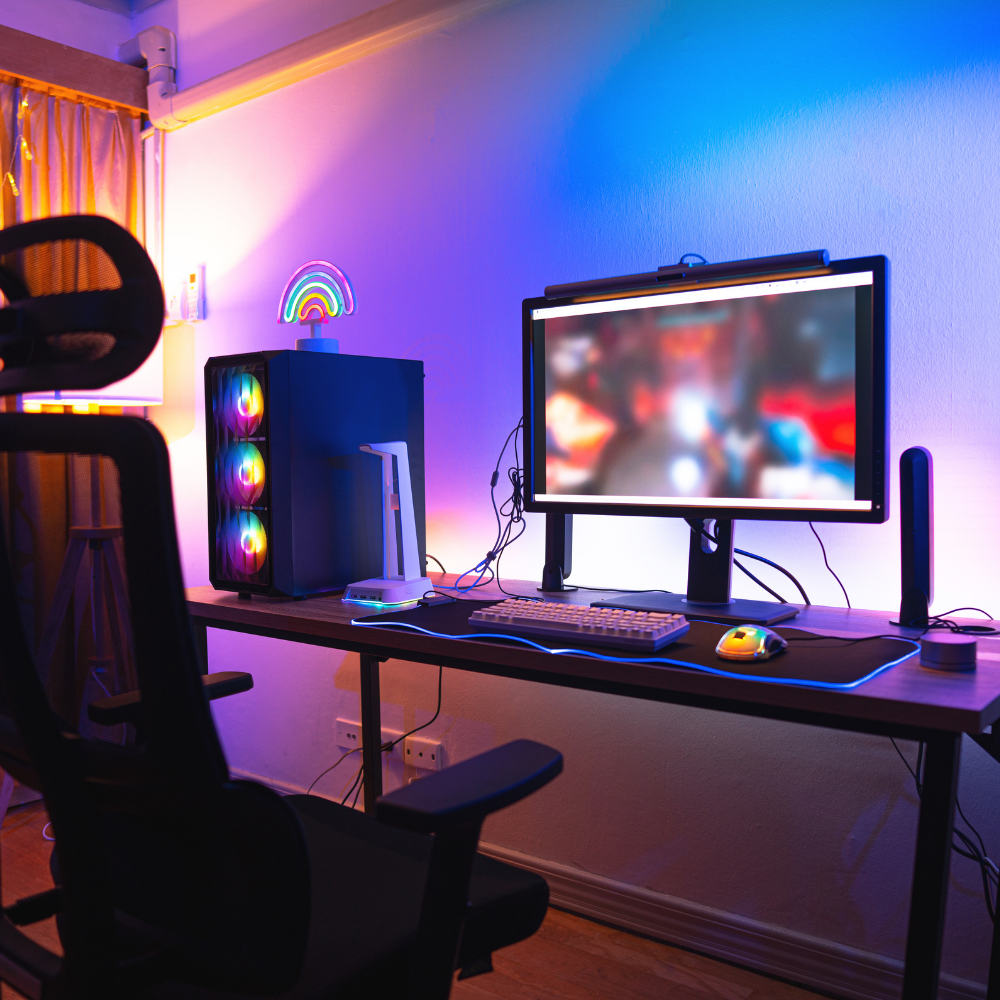
How to Choose Your Gaming PC: Complete Guide for an Unmatched Gaming Experience
Looking for your future Gaming PC with the best technical specifications?

The world of PC gaming is constantly evolving, offering players an increasingly immersive and captivating gaming experience.
Whether you're a passionate beginner, an enthusiastic amateur, or a seasoned professional, choosing your future Gaming PC is a crucial step to ensure optimal long-term performance.
In this article, we will explore the 12 key elements to consider when building the gaming setup of your dreams.
1. The Heart of Your Gaming PC: The Processor
The processor is the brain of your Gaming PC, responsible for processing all the actions you perform in-game. AMD processors and Intel are the most common choices. For exceptional performance, opt for a powerful processor, ideally of the latest generation.

2. Fast Storage with an SSD
A Solid State Drive (SSD) is a must to reduce loading times and improve the responsiveness of your Gaming PC. You can also use a traditional hard drive for mass storage.

3. Breathtaking Graphics: Graphics Card
The graphics card is a crucial element for high-definition graphics and fluid gameplay. Nvidia graphics cards and AMD offer exceptional performance, especially for the latest AAA games.

4. Ample Random Access Memory (RAM)
RAM, also known as Random Access Memory, influences the fluidity of your Gaming PC. Opt for 16 GB or more for optimal performance, especially if you're multitasking.

5. Choosing the Motherboard
Your motherboard is the heart of your gaming setup, where all components connect. Make sure it's compatible with your gaming processor, your gaming graphics card, and that it offers enough USB ports for your peripherals.

6. Cooling and Overclocking
When you play intensely, your PC can heat up. Make sure you have a good cooling system to prevent overheating. Enthusiasts can also consider overclocking to boost performance, but be sure to monitor the temperature.

7. Choose the Right Case
Your Gaming PC's case is not just aesthetic; it must also be functional. Make sure it can accommodate all your components, provide good airflow, and have a design you like.

8. Features and Performance
Each component of your new Gaming PC should be chosen according to your specific needs. If you are an occasional gamer, a smaller budget may suffice, but for professional gamers or eSport enthusiasts, investing in high-end components is essential.

9. Lights and Colors: RGB LEDs
For an aesthetic and personalized touch, add LEDs to your future RGB gaming setup. Brands like Asus, MSI, Razer, Corsair, and many others offer components with customizable lighting.

10. Regular Maintenance and Cleaning
To ensure optimal performance, make sure to regularly clean your Gaming PC. Regularly remove dust, check cables, and make sure the cooling system is working correctly.

11. Adapt the Gaming PC to Your Budget
Whether you have a limited budget or want to invest in a high-end Gaming PC, it is essential to find the right balance between performance and cost. Look for deals and promotions to get the best value for money.

12. Trusted Brands
Reputable Gaming PC brands like Dell, ASUS, MSI, Gigabyte, and Razer offer quality products for all levels of gamers. Research reviews and ratings to ensure you make the right choice.

Conclusion: Take Action
In conclusion, choosing a new Gaming PC adapted to your needs is essential for an unparalleled gaming experience.
Whether you are a beginner, amateur, or professional, take the time to consider the components, features, and your budget. Don't forget to regularly clean and maintain your new gaming setup to extend its lifespan.

If you're ready to invest in a quality Gaming PC, visit our online store. We offer a wide range of components and Gaming PC accessories to meet all your needs.
Don't let your gaming experience be limited by outdated equipment. Choose performance and gaming immersion. Click on the image below now and discover our selection of quality products for demanding gamers. Your gaming adventure starts here!